Enhanced Console and Operator Updates for Openshift 4.21
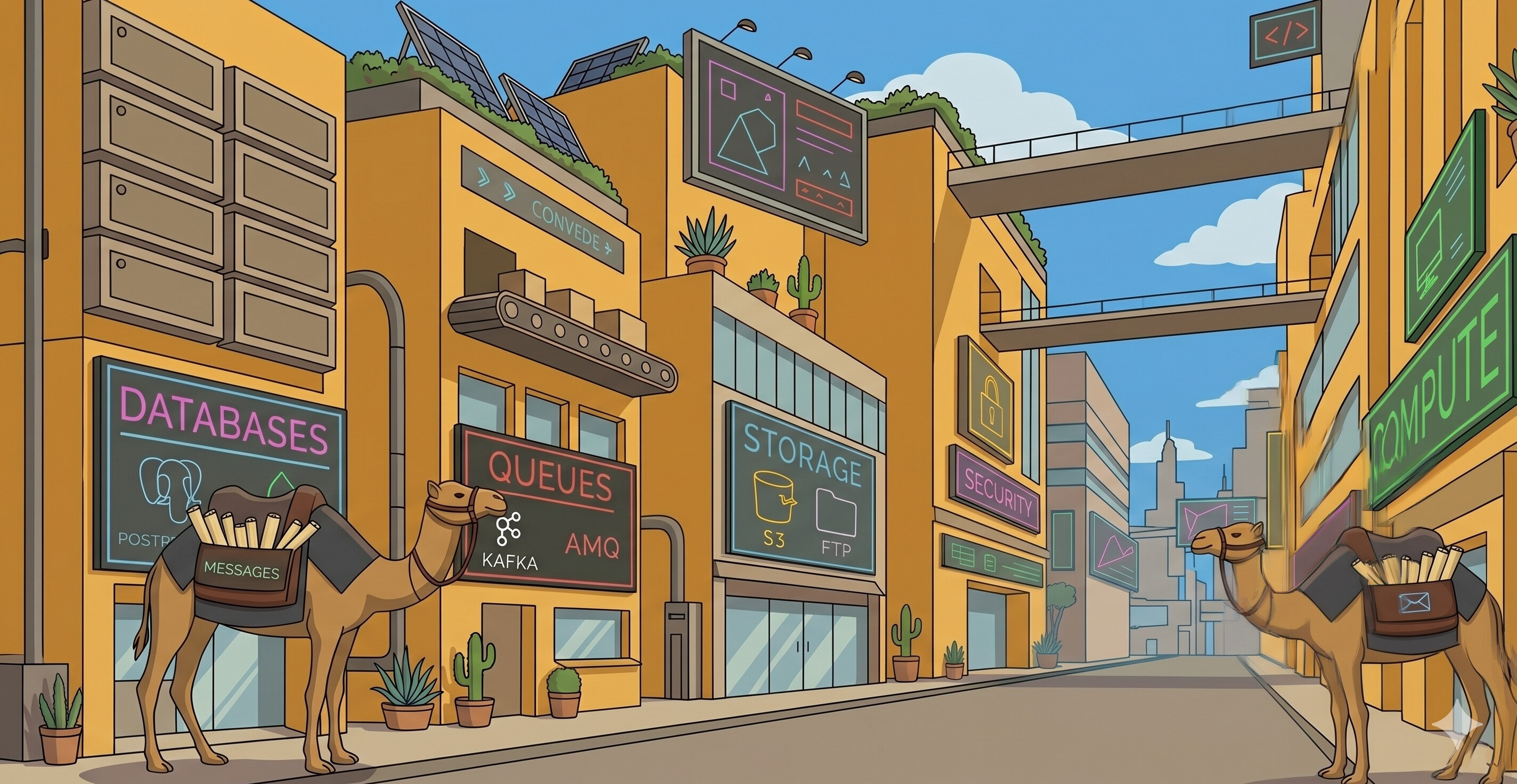
We’re happy to announce the new release of Camel Dashboard components, bringing important updates and improvements across the stack.
What’s New
Camel Monitor Operator 0.2.1
This patch release of the Camel Monitor Operator includes stability improvements and bug fixes building on the solid foundation of the 0.2.0 release.
Important: The operator now uses the CamelMonitor custom resource (shortname cmon) instead of the legacy CamelApp resource introduced in version 0.2.0.
Camel Dashboard Console 0.5.0
The latest console release includes compatibility with new CamelMonitor custom resource while keeping backward compatibility with CamelApp custom resource when monitoring Camel applications on OpenShift.
Camel Dashboard OpenShift All 4.21.2
The umbrella Helm chart has been updated to bundle the latest versions of all components, providing a seamless installation experience for OpenShift 4.21.
Installation
Via OpenShift Catalog (Recommended)
- Open the OpenShift Console
- Navigate to +Ecosystem → Software Catalog
- Search for “Camel Dashboard”
- Select
Camel Dashboard on Openshift - Configure and install
Via Helm CLI
| |
Upgrading from 4.21.1
Important: Helm does not automatically upgrade CRDs during chart upgrades. Version 4.21.2 introduces new CRDs from camel-monitor-operator v0.2.1. You must manually apply these CRDs before running helm upgrade:
| |
For detailed upgrade instructions, see the Helm chart README.
Component Versions
This release includes:
- camel-monitor-operator: 0.2.1
- camel-dashboard-console: 0.5.0
- hawtio-online-console-plugin: 0.7.0
Resources
Thank you for using Camel Dashboard! If you have feedback or encounter any issues, please open an issue on GitHub.