Installation
A Helm chart is available to deploy the full Camel Dashoard to an OpenShift environment:
- Camel Dashboard Operator: Manages Camel Dashboard instances
- Camel Dashboard Console: OpenShift Console plugin for Camel Dashboard
- Hawtio Online Console Plugin: Management and monitoring console for Java applications
This Helm chart follows a versioning scheme aligned with OpenShift versions:
- Chart version X.Y.Z is compatible with OpenShift X.Y
- The patch version (Z) indicates chart-specific updates that don’t change OCP compatibility
NOTE: Always use the latest patch version of the chart for your OpenShift version.
Additional parameters can be specified if desired. Consult the chart values file for the full set of supported parameters.
WARNING: If you previously installed Camel Dashboard components you need to uninstall them before.
Installing the Helm Chart
First, add the chart repository to the local helm configuration:
| |
Install Camel Dashboard using the helm install command:
| |
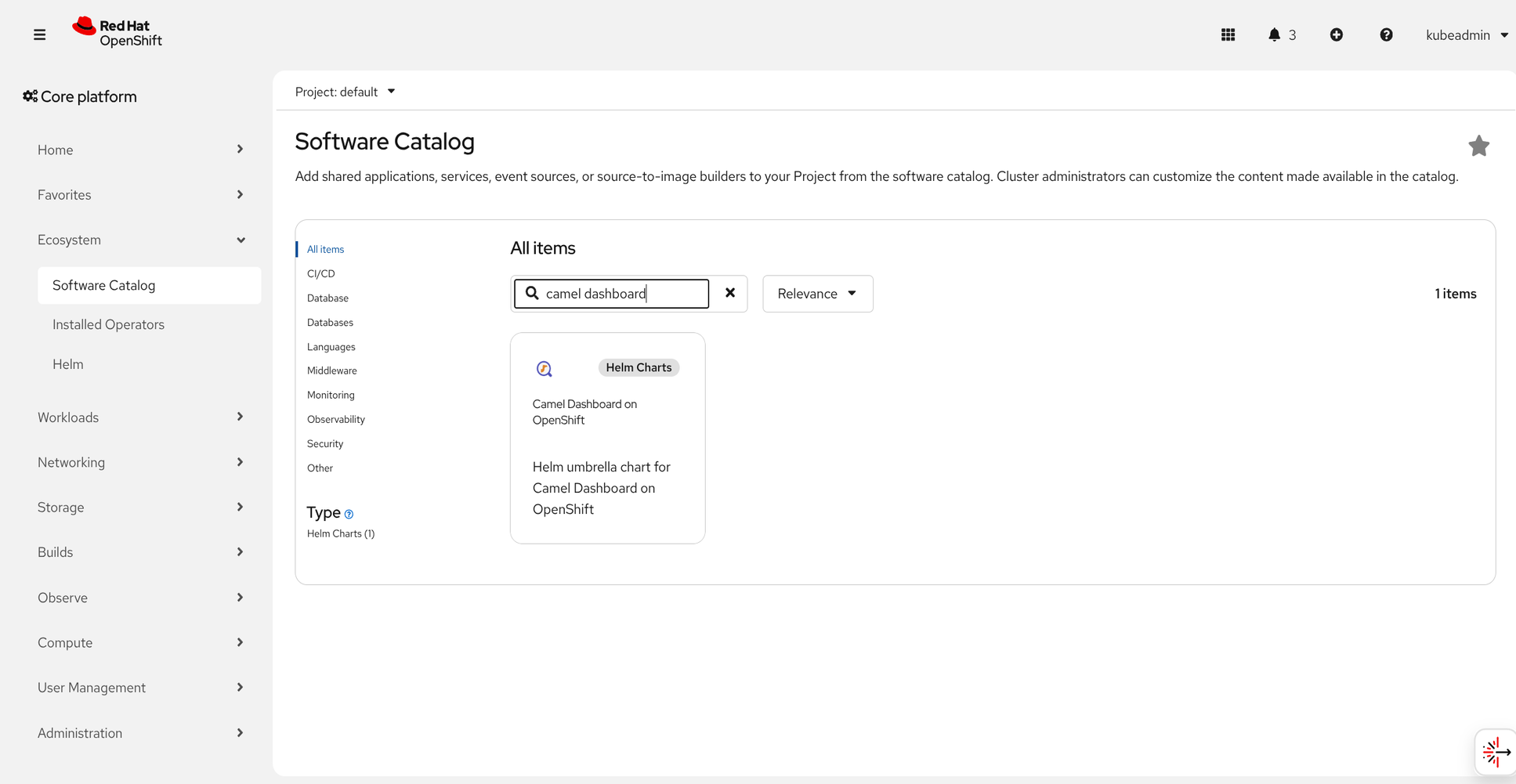
Alternatively you can install Camel Dashboard from the Openshift Catalog:
Configuration
By default all component will be deployed. You can choose to not deploy one or more components. Add the following to you helm install command:
- Camel Dashboard Operator:
--set camel-dashboard-operator.enabled=false - Camel Dashboard Console:
--set camel-dashboard-console.enabled=false - Hawtio Online Console Plugin:
--set hawtio-online-console-plugin.enabled=false
For additional configuration consult the advanced installation guides.